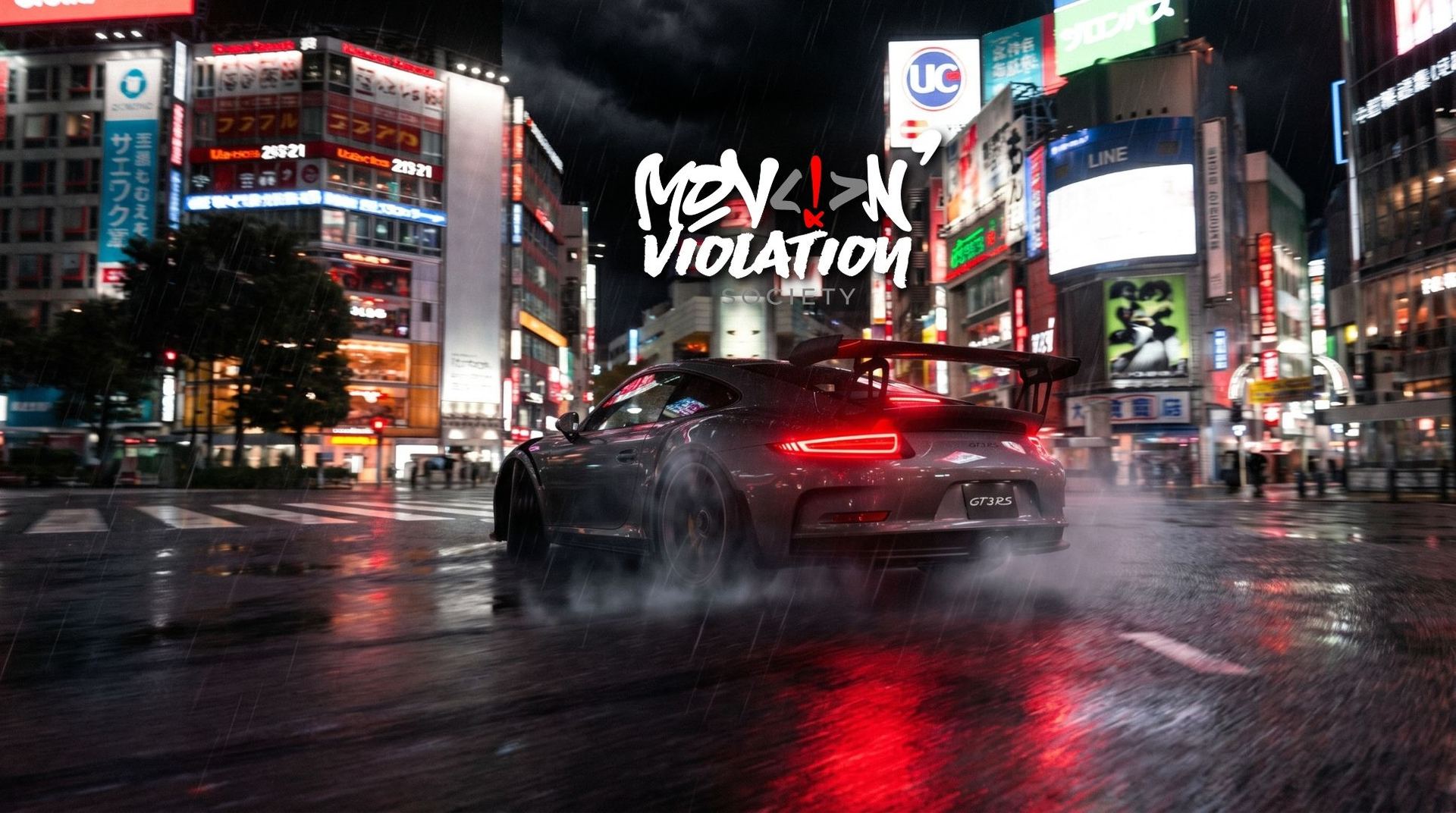
Content Manager replaces the default Assetto Corsa launcher with a full-featured mod manager. It handles car and track installs, CSP/Pure integration, server browsing, and more. Direct download — no account required.
Custom Shaders Patch is a required extension that unlocks advanced graphics, physics features, and traffic systems in Assetto Corsa. MVS servers require version 0.3.0-preview212 specifically. Available via Patreon for $1/month.
Pure is a sky, lighting, and weather overhaul that gives Assetto Corsa its photorealistic look. It runs on top of CSP and is what makes night driving on SRP look cinematic. Required for the full MVS visual experience. Available via Patreon for $1/month.
Full walkthrough — Content Manager, CSP, and Pure installation from scratch.
Now Get Online
All three mods installed? Grab the server list in the Discord, meet the crew on the streets, and set a time on this month's Sprint.